
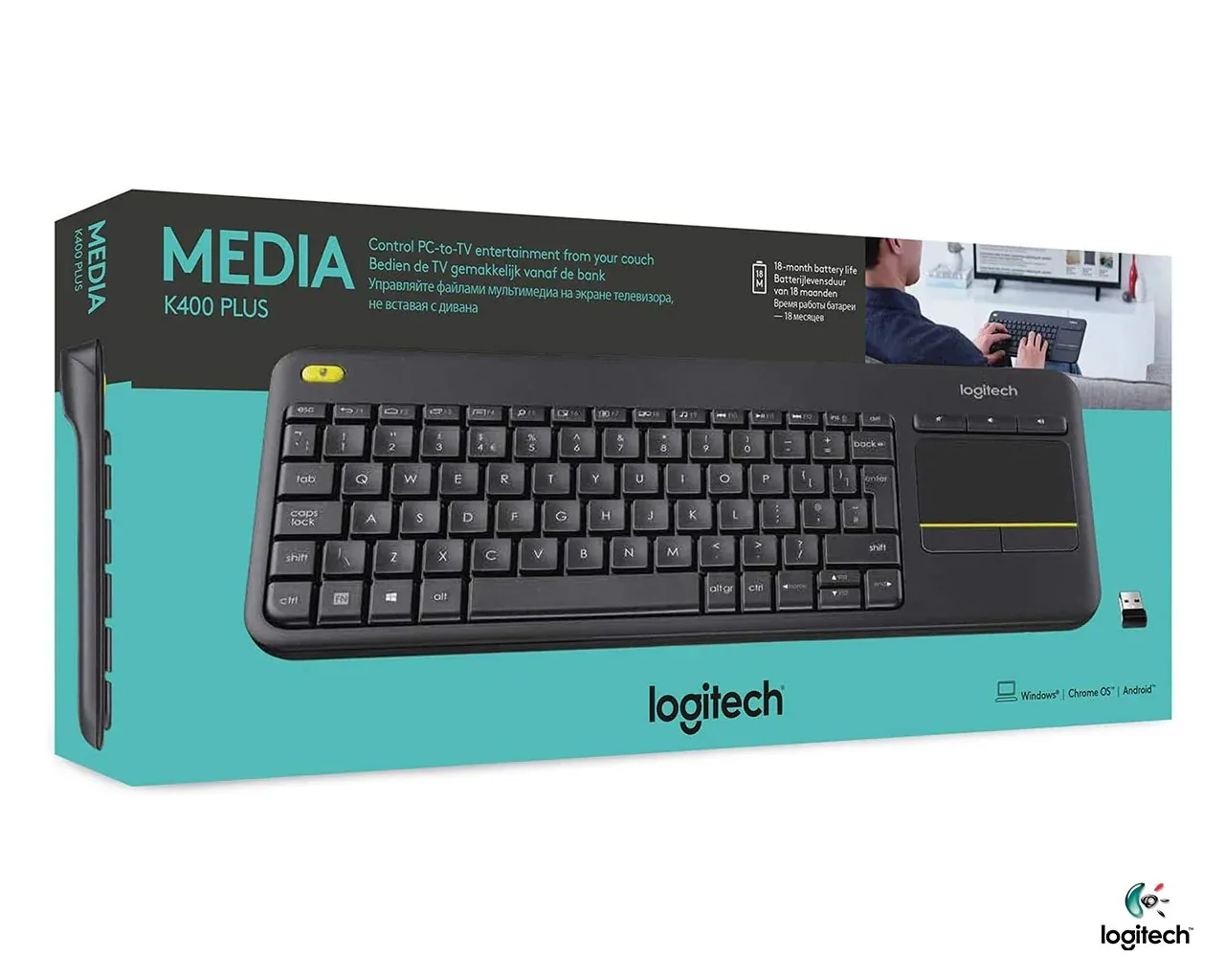

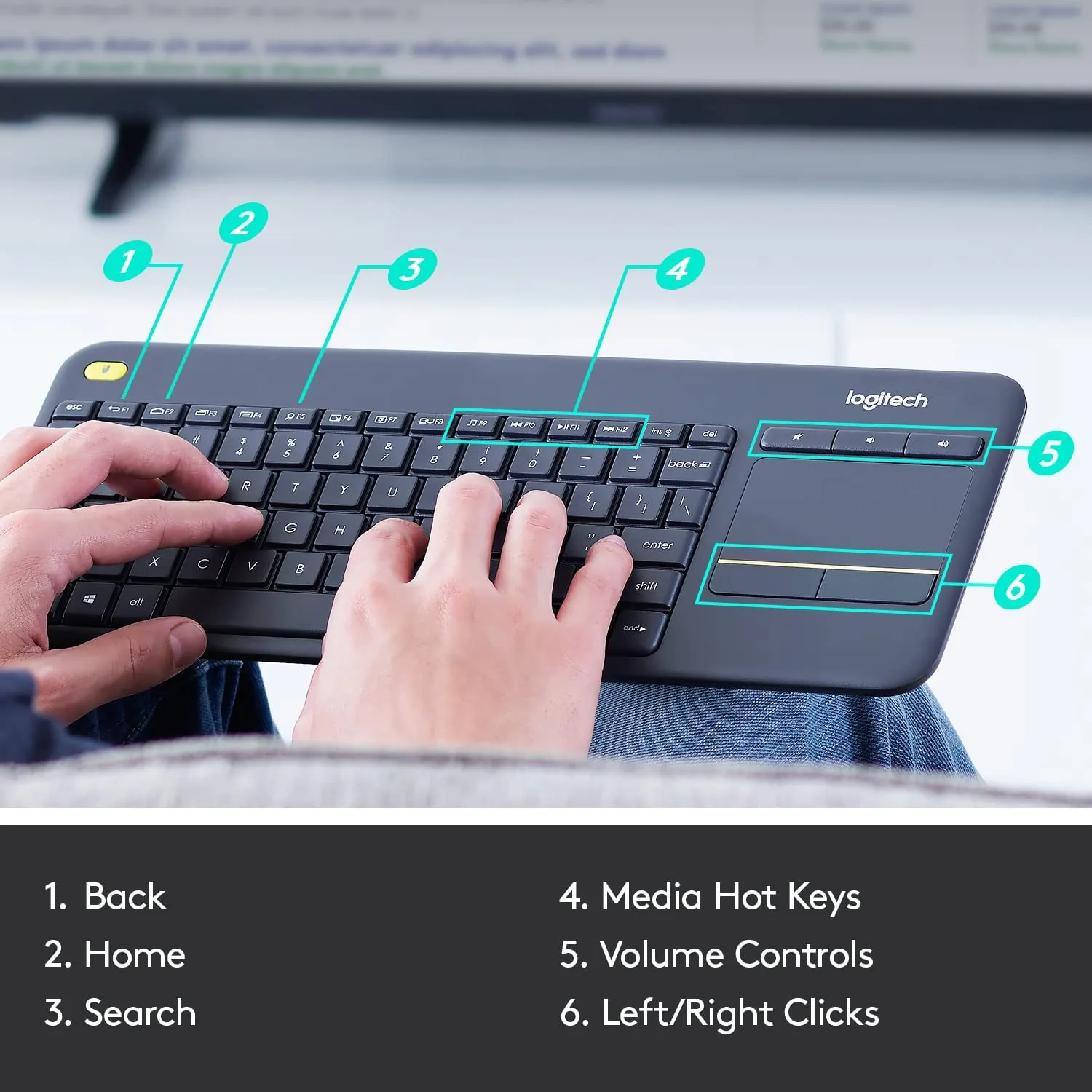
Logitech K400 Plus Wireless Touch Keyboard
MSRP ₨ 12,300Our Price ₨ 8,142
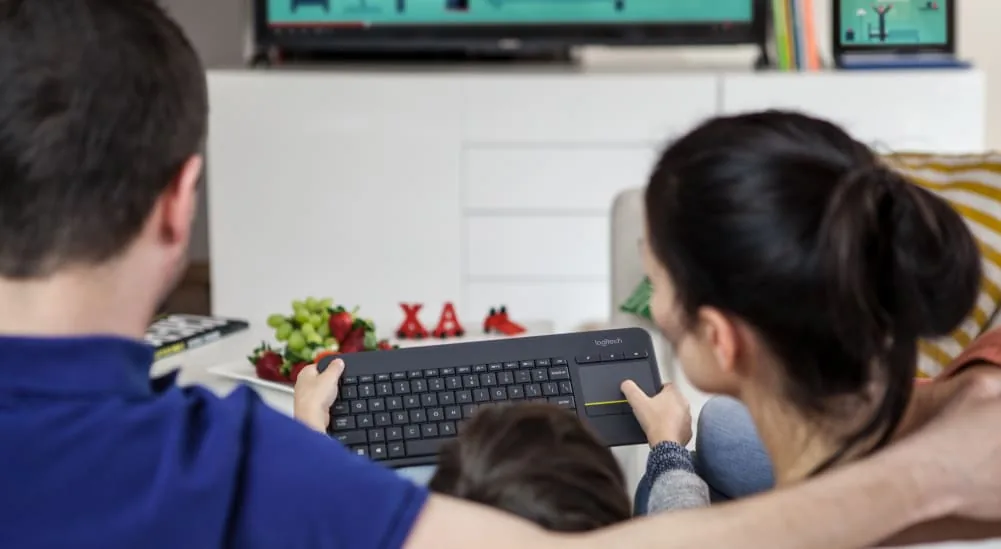
Logitech K400 Plus is a wireless keyboard and touchpad for controlling a TV-connected computer.
14 in stock
Description
Logitech K400 Plus is a wireless keyboard and touchpad for controlling a TV-connected computer.
The touchpad combines pointer control with typing in one accessory. This model connects through its compatible USB receiver, so the host needs an available USB connection.
Key Features
- Wireless connection: 2.4 GHz.
- Receiver system: Logitech Unifying.
- Pointing control: Integrated touchpad.
- Media controls: Dedicated keys.
- Intended setup: TV-connected PC.
Specifications
| Wireless connection | 2.4 GHz |
|---|---|
| Receiver system | Logitech Unifying |
| Pointing control | Integrated touchpad |
| Media controls | Dedicated keys |
| Intended setup | TV-connected PC |
Compatibility and Usage
Set up the keyboard using the supported wireless connection and the hostâs input-device settings. If a receiver is required, connect the compatible receiver to the host. Select the correct keyboard language in the operating system and test a short line of text before relying on the keyboard for longer work.
Shortcut behaviour varies between operating systems and applications. Use the modelâs available device-switching controls where provided, and confirm that the intended device is active before typing. Place the keyboard where your hands can reach it comfortably and keep any integrated touchpad area clear for pointer movement.
For a regular workspace, position the keyboard in line with the screen you use most often. If the setup includes a phone or tablet, check that its support is stable before typing. Familiarise yourself with the available shortcuts gradually so the layout remains comfortable for everyday messages, documents and searches.
Frequently Asked Questions
Why do some shortcut keys behave differently?
Operating systems assign different actions to certain keys, and apps can override shortcuts. Check the active device, language layout and relevant keyboard settings when a key produces an unexpected result.
Will a printed language layout change the computer language?
No. Printed legends identify keys, while the operating system controls text input. Choose the matching input language so the characters you type correspond to the intended layout.
What should I check if typing is not recognised?
Confirm power, connection mode and the selected host device. Check the receiver where applicable, or verify pairing in wireless settings, before testing in a simple text field.
How should I check the keyboard in a new workspace?
Test letters, numbers and the shortcuts you use most often in a simple document. Confirm the active language and connection before opening important work, especially when moving the keyboard between different computers or mobile devices.
Additional information
| Condition | New |
|---|---|
| Brand | Logitech |
| Product Type | Keyboards |
| Model | Logitech K400 Plus |
| Convenient To Use | Unifying receiver makes setup of your TV keyboard a snap. Connection type: Logitech unifying protocol 2.4 GigaHertz |
| Height | 5.5 inches |
| Weight | 17.86 oz, 506.4 grams |
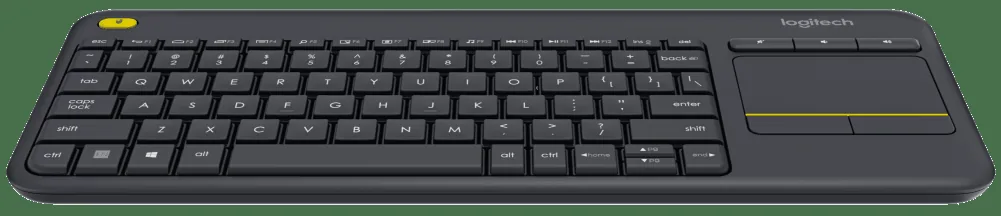
| Keyboard Features | comfortable, quiet keys and large (3 inch) touchpad, Eliminates any learning curve while adding easy access volume controls and arrow keys, wireless tv keyboard with touchpad |
| Width | 14 Inches |
| Depth | 1 inch |
| Wireless Connection | Enjoy effortless control of your TV connected computer |
| Usage Convenience | familiar, media friendly key layout |
| Touchpad Height | 3 inches |
| Touchpad Width | 2 inches |
| Delivery Time | 1 – 7 working days |
| Processing Time | Within 24 Working Hours After Receiving Payment |
| Mode of Payment | Bank Transfer, Credit Card, Debit Card, EasyPaisa, JazzCash |
| Our Warranty | Check Warranty – 7 Days Max |
Only logged in customers who have purchased this product may leave a review.
FAQs
Where to buy Logitech K400 Plus Wireless Touch Keyboard at lowest price online in Pakistan?
You can buy Logitech K400 Plus Wireless Touch Keyboard with lowest price online in Pakistan, with ease of staying at your home.
Where can I buy the original Logitech K400 Plus Wireless Touch Keyboard in Pakistan?
You can buy 100% authentic Logitech K400 Plus Wireless Touch Keyboard at ShoppersStop.pk with guaranteed lowest prices in Pakistan.
Do you offer delivery for Logitech K400 Plus Wireless Touch Keyboard across Pakistan?
Absolutely. We offer fast and secure delivery of Logitech K400 Plus Wireless Touch Keyboard all over Pakistan, we are not limited to major cities, you can order it even if you are living in rural area.
What is the quality of Logitech K400 Plus Wireless Touch Keyboard?
We sale 100% authentic Logitech K400 Plus Wireless Touch Keyboard by Logitech.
Can I return or exchange the Logitech K400 Plus Wireless Touch Keyboard if needed?
Yes, we offer easy returns and exchanges for Logitech K400 Plus Wireless Touch Keyboard as per our return policy.
What is the condition of Logitech K400 Plus Wireless Touch Keyboard?
We have 100% brand new Logitech K400 Plus Wireless Touch Keyboard in our stock. We also make sure you get it in perfect product packaging even.
Do you have any other similar products like Logitech K400 Plus Wireless Touch Keyboard?
Yes, we have 628 similar products just like Logitech K400 Plus Wireless Touch Keyboard such as 12V USB Cable, 3-in-1 Orange Charging Cable Loose, 4-in-1 Charging Cable Loose 27W Max and more!
What is delivery time of Logitech K400 Plus Wireless Touch Keyboard?
It takes us 1-2 working days processing time once you place the order for Logitech K400 Plus Wireless Touch Keyboard, then it takes 3-5 working days maximum is the delivery time.
Do you quality check (QC) Logitech K400 Plus Wireless Touch Keyboard before shipping?
Yes, we do quality check (QC) each and every item, before we dispatch to our customers including Logitech K400 Plus Wireless Touch Keyboard.
Reviews
There are no reviews yet.