
Computer Mouse
Category: Computer Mouse. Hierarchy: Computer Accessories > Computer Mouse.
Computer mice are input devices commonly used with desktop and laptop computers to control a graphical cursor and interact with software. They are available with wired interfaces and with wireless technologies that separate the pointing device from a fixed cable. Designs range from simple two-button forms to multi-button devices with integrated scroll mechanisms and adjustable sensitivity. The category covers models intended for general office productivity, creative work, and more specialized activities such as tasks that require higher tracking precision. Differences among models include shape, button configuration, sensing approach, materials, power arrangements, and intended hand orientation.
About Computer Mouse
A computer mouse translates hand movement into pointer movement on a screen by tracking motion across a contact surface and sending corresponding signals to the host computer. Common sensing approaches capture information about the surface beneath the device and convert that information into relative movement. Many devices provide options to change pointer responsiveness through software or hardware controls, enabling users to adjust cursor speed or sensitivity to match a particular workflow or personal preference.
Form factors and button arrangements vary to address ergonomic requirements and functional roles. Symmetric shapes are suited to both left- and right-handed users, while contoured designs are intended to fit a specific hand orientation. Alternative shapes, including vertical profiles, are designed to present a different wrist posture. Button layouts may include only the primary left and right buttons plus a wheel, or they may include additional lateral buttons and controls that can be used for navigation or assigned to specific functions where supported.
Power and connectivity choices affect convenience and deployment. Wired devices typically receive power and transmit data over a common physical connection. Wireless devices may rely on on-board power sources and use radio links or short-range wireless protocols to communicate. Rechargeable power sources and replaceable cells are both used in the category, and each approach has trade-offs for runtime, weight and the need for periodic recharging or battery replacement.
Common types, features and considerations
- Connection methods: devices may connect by a physical cable for continuous power and data transfer, or they may use wireless links for increased mobility and fewer cables.
- Sensing technology: different sensor approaches affect how movement is detected and how well tracking performs on various surface types and textures.
- Ergonomic designs: available shapes include ambidextrous profiles, right-handed contours, and alternate grips intended to address comfort and reduce repetitive strain for different hand sizes and usage patterns.
- Button and control layouts: basic configurations include primary click buttons and a scroll control; some models add additional buttons and onboard controls that can be reassigned where supporting software is available.
- Power solutions: options include continuous power via cable, integrated rechargeable energy storage, or replaceable disposable batteries, each influencing maintenance and uninterrupted operation.
- Materials and build considerations: construction choices and surface textures affect perceived quality, grip, weight and durability throughout typical use.
- Compatibility and configuration: many devices provide basic plug-and-play functionality across multiple operating systems, while optional configuration tools may enable button mapping, sensitivity adjustments and other device-specific settings.
Showing all 19 results
-
Sale!

Mousepad R7 Stitched Colourful
Original price was: ₨ 190.₨ 146Current price is: ₨ 146. -
Sale!

Mousepad L16 Stitched Colourful Edge Black Surface
Original price was: ₨ 200.₨ 154Current price is: ₨ 154. -
Sale!

Mousepad L11 Stitched Gaming PUBG Silk Gliding
Original price was: ₨ 200.₨ 154Current price is: ₨ 154. -
Sale!

Mousepad H02 Gel Black
Original price was: ₨ 580.₨ 446Current price is: ₨ 446. -
Sale!
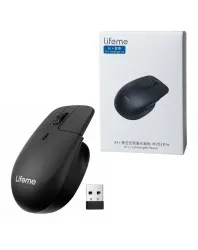
Lifeme AI Intelligence Wireless Mouse M203
Original price was: ₨ 2,800.₨ 2,154Current price is: ₨ 2,154. -
Sale!
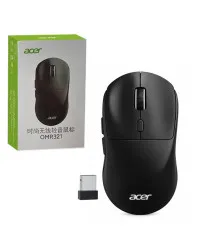
Acer Wireless Mouse OMR321
Original price was: ₨ 1,980.₨ 1,523Current price is: ₨ 1,523. -
Sale!

Wireless Mouse Ergonomic
Original price was: ₨ 2,400.₨ 1,846Current price is: ₨ 1,846. -
Sale!
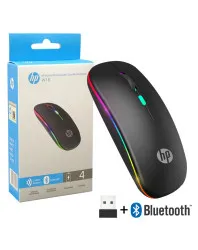
HP Wireless Rechargeable Mouse W10
Original price was: ₨ 860.₨ 662Current price is: ₨ 662. -
Sale!

Wireless Rechargeable Mouse T2
Original price was: ₨ 1,440.₨ 1,108Current price is: ₨ 1,108. -
Sale!
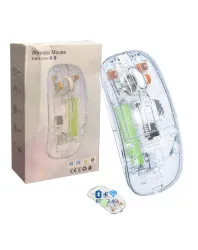
Transparent Mouse New
Original price was: ₨ 1,620.₨ 1,246Current price is: ₨ 1,246. -
Sale!
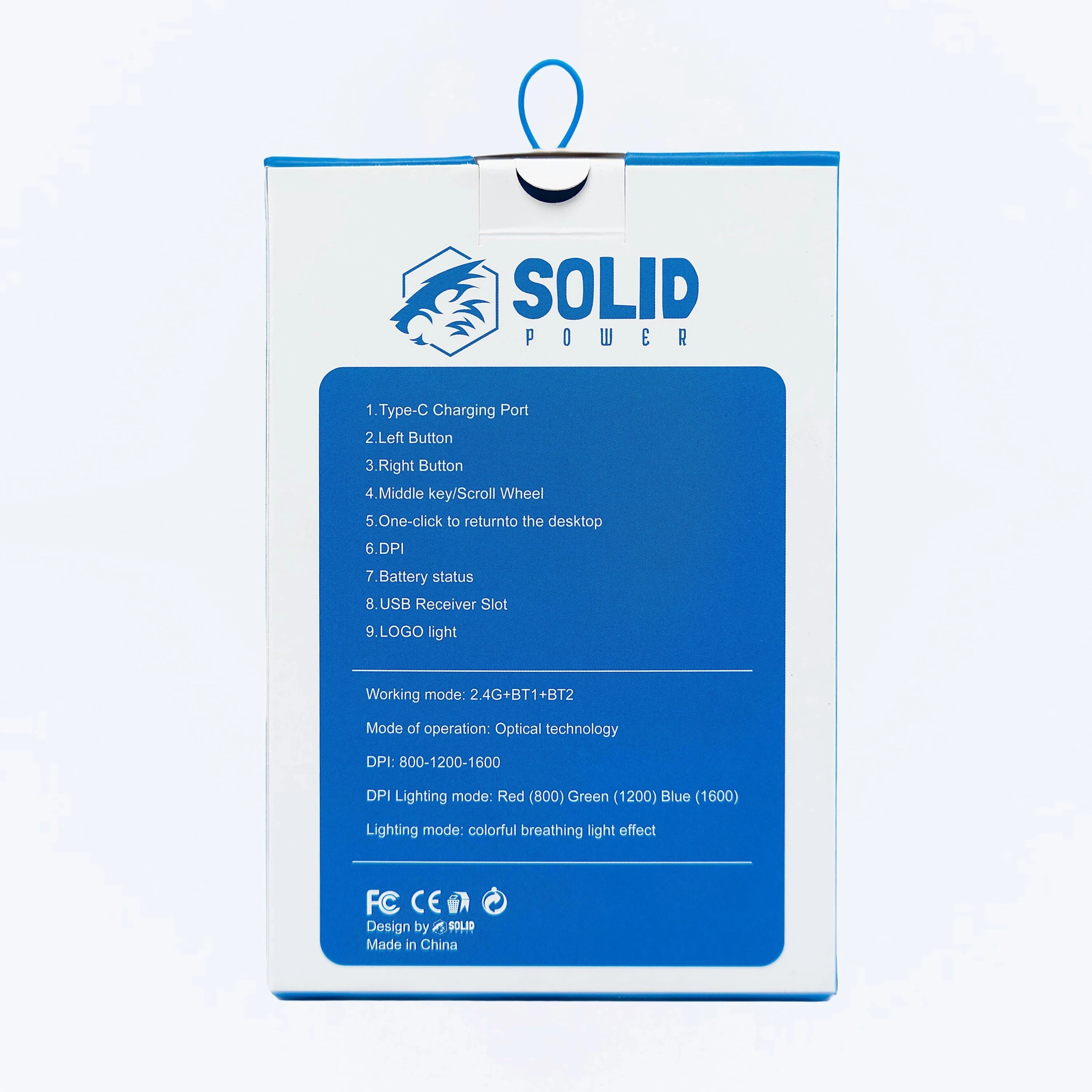
Transparent Wireless Mouse G104
Original price was: ₨ 1,520.₨ 1,169Current price is: ₨ 1,169. -
Sale!
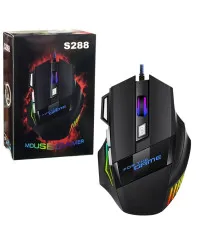
Gaming Wired Mouse S288
Original price was: ₨ 1,160.₨ 892Current price is: ₨ 892. -
Sale!

Wired Mouse MT25
Original price was: ₨ 1,280.₨ 985Current price is: ₨ 985. -
Sale!

Wired Mouse Teamwolf
Original price was: ₨ 2,780.₨ 2,138Current price is: ₨ 2,138. -
Sale!
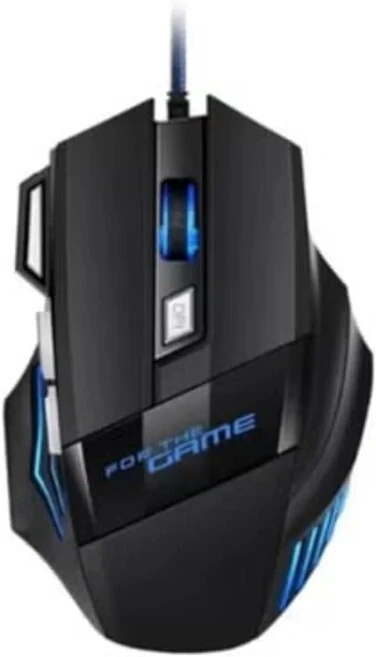
Wired Mouse G601
Original price was: ₨ 1,380.₨ 1,062Current price is: ₨ 1,062. -
Sale!

Logitech Wireless Mouse G304
Original price was: ₨ 1,380.₨ 1,062Current price is: ₨ 1,062. -
Sale!

iMice Wired Mouse T97 100P
Original price was: ₨ 3,400.₨ 2,615Current price is: ₨ 2,615. -
Sale!

Lecco Wireless Presenter SPT9604
Original price was: ₨ 1,380.₨ 1,062Current price is: ₨ 1,062. -
Sale!

HP SS10 Wireless Presentation Clip Pen
Original price was: ₨ 1,640.₨ 1,262Current price is: ₨ 1,262.
Computer Mouse description
Category: Computer Mouse. Hierarchy: Computer Accessories > Computer Mouse.
Computer mice are input devices commonly used with desktop and laptop computers to control a graphical cursor and interact with software. They are available with wired interfaces and with wireless technologies that separate the pointing device from a fixed cable. Designs range from simple two-button forms to multi-button devices with integrated scroll mechanisms and adjustable sensitivity. The category covers models intended for general office productivity, creative work, and more specialized activities such as tasks that require higher tracking precision. Differences among models include shape, button configuration, sensing approach, materials, power arrangements, and intended hand orientation.
About Computer Mouse
A computer mouse translates hand movement into pointer movement on a screen by tracking motion across a contact surface and sending corresponding signals to the host computer. Common sensing approaches capture information about the surface beneath the device and convert that information into relative movement. Many devices provide options to change pointer responsiveness through software or hardware controls, enabling users to adjust cursor speed or sensitivity to match a particular workflow or personal preference.
Form factors and button arrangements vary to address ergonomic requirements and functional roles. Symmetric shapes are suited to both left- and right-handed users, while contoured designs are intended to fit a specific hand orientation. Alternative shapes, including vertical profiles, are designed to present a different wrist posture. Button layouts may include only the primary left and right buttons plus a wheel, or they may include additional lateral buttons and controls that can be used for navigation or assigned to specific functions where supported.
Power and connectivity choices affect convenience and deployment. Wired devices typically receive power and transmit data over a common physical connection. Wireless devices may rely on on-board power sources and use radio links or short-range wireless protocols to communicate. Rechargeable power sources and replaceable cells are both used in the category, and each approach has trade-offs for runtime, weight and the need for periodic recharging or battery replacement.
Common types, features and considerations
- Connection methods: devices may connect by a physical cable for continuous power and data transfer, or they may use wireless links for increased mobility and fewer cables.
- Sensing technology: different sensor approaches affect how movement is detected and how well tracking performs on various surface types and textures.
- Ergonomic designs: available shapes include ambidextrous profiles, right-handed contours, and alternate grips intended to address comfort and reduce repetitive strain for different hand sizes and usage patterns.
- Button and control layouts: basic configurations include primary click buttons and a scroll control; some models add additional buttons and onboard controls that can be reassigned where supporting software is available.
- Power solutions: options include continuous power via cable, integrated rechargeable energy storage, or replaceable disposable batteries, each influencing maintenance and uninterrupted operation.
- Materials and build considerations: construction choices and surface textures affect perceived quality, grip, weight and durability throughout typical use.
- Compatibility and configuration: many devices provide basic plug-and-play functionality across multiple operating systems, while optional configuration tools may enable button mapping, sensitivity adjustments and other device-specific settings.